How it works
One character. Three moves.
Design the character, put it in viral moments, optionally launch its token. Here is what happens at each step, and exactly what is working in this release.
Step 1: Design your character
Create your own GTA-style character and customize its appearance, outfit and personality.
Open the Character Studio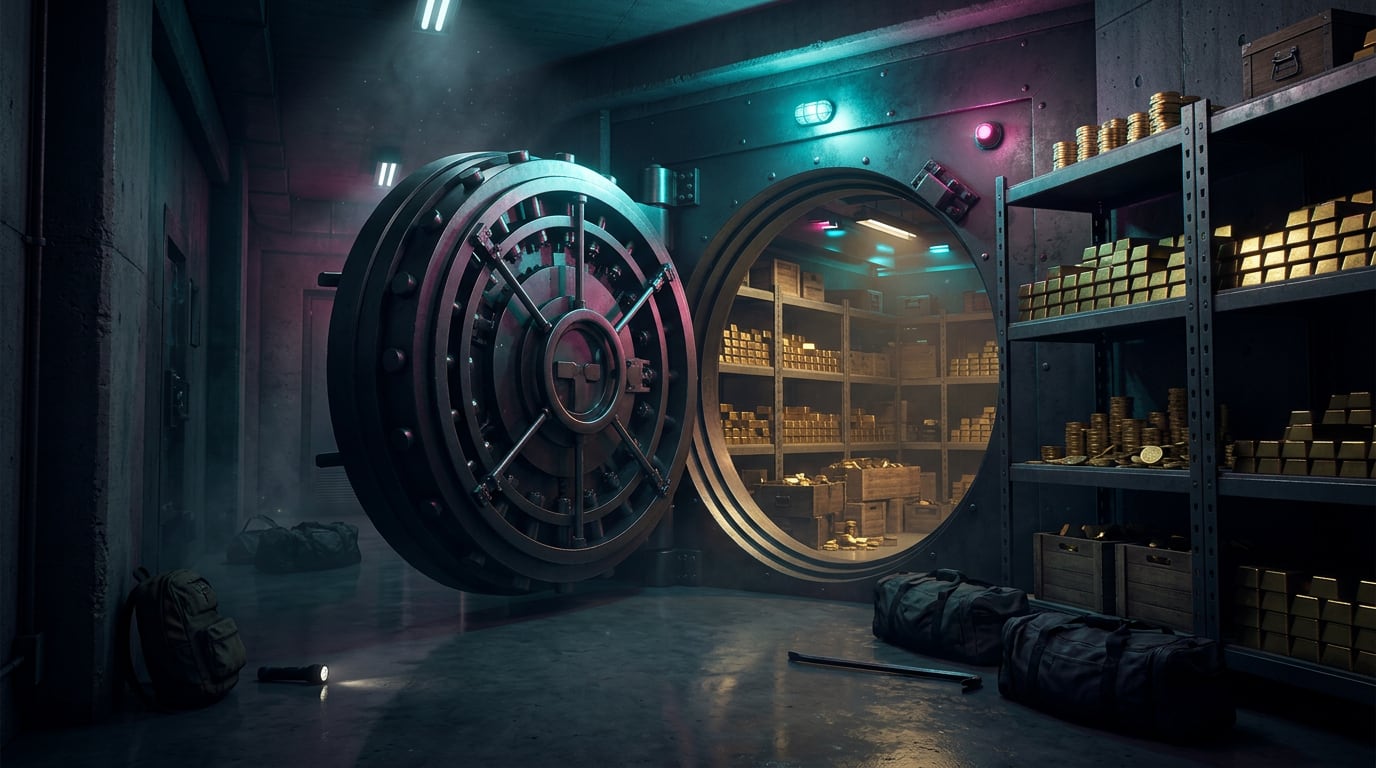
Step 2: Create viral moments
Generate cinematic and entertaining videos featuring your character.
Browse the missions Optional
Step 3: Launch your token
Optionally launch a token associated with your character and build its community.
Explore the Launchpad

- Face
- Hair
- Body
- Clothing
- Shoes
- Accessories
- Details
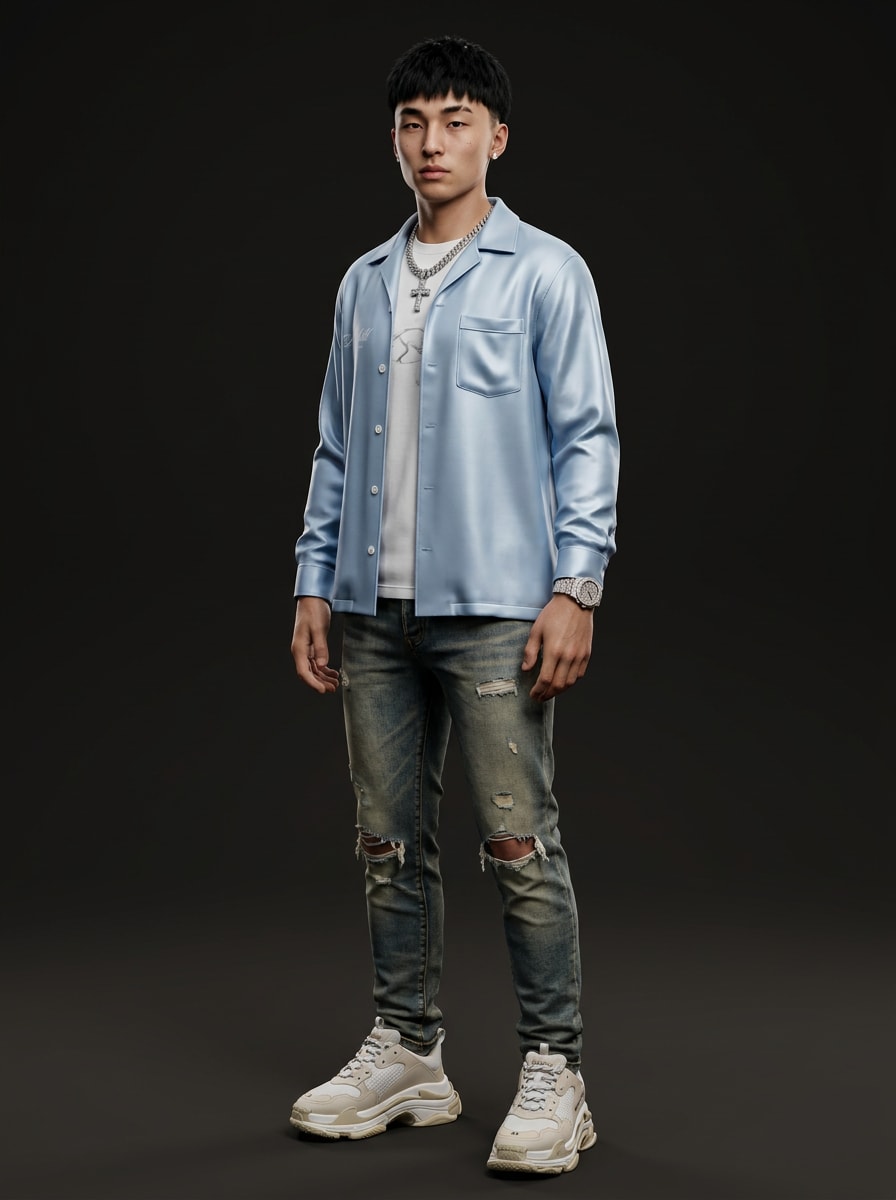
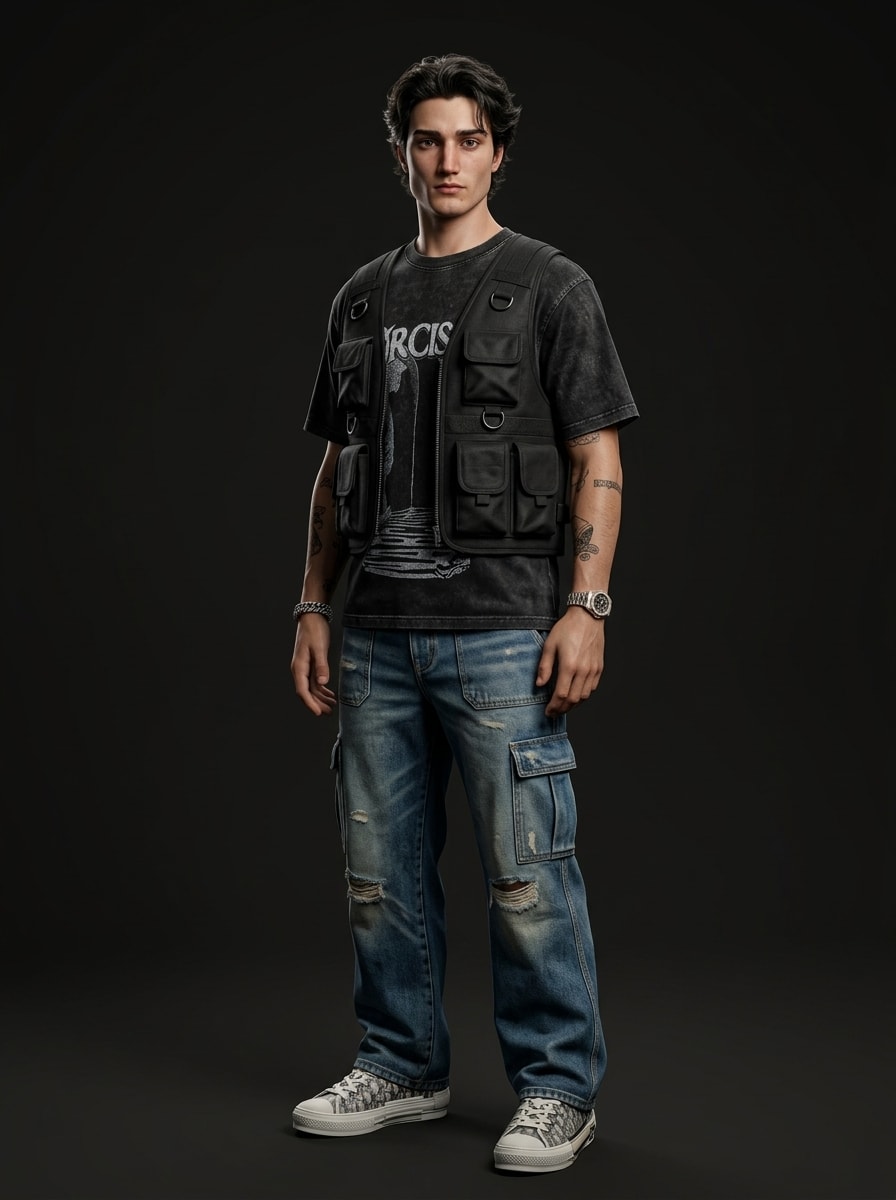
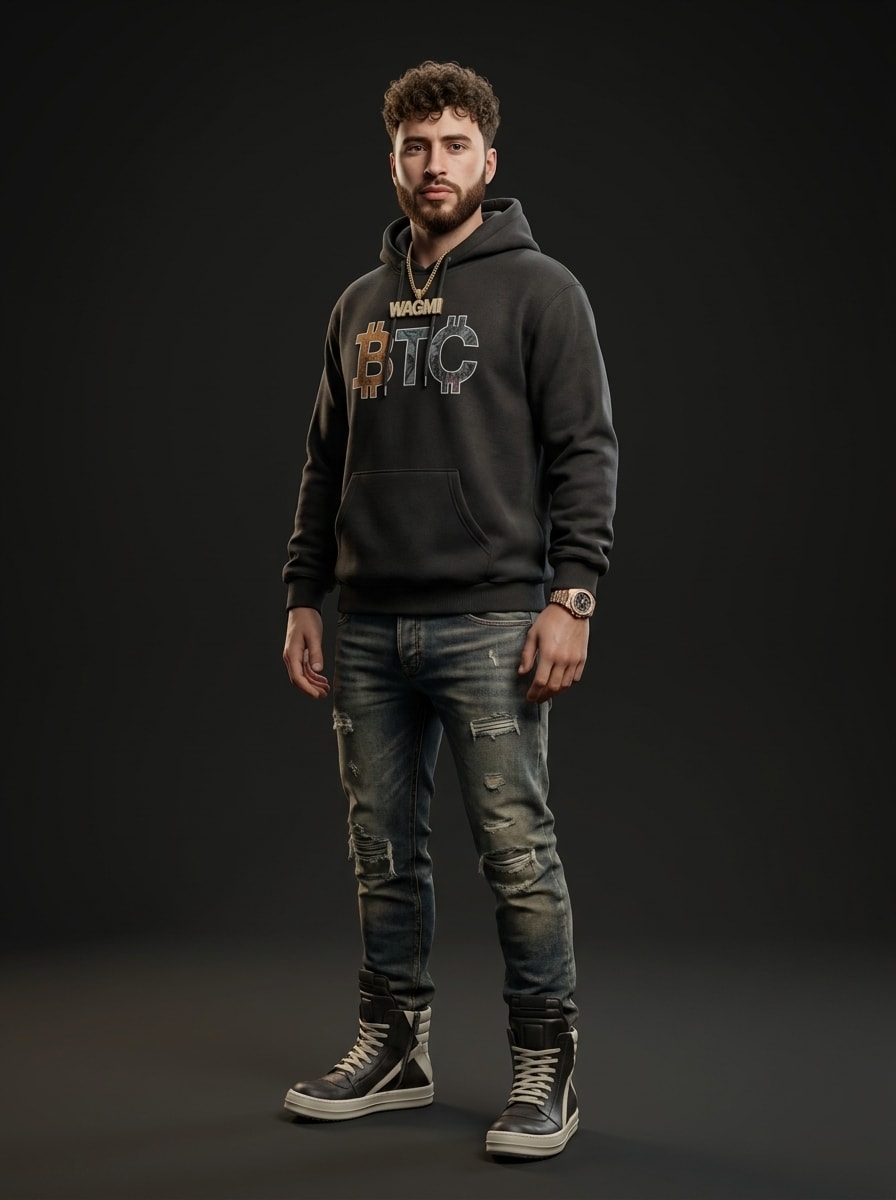
Character art · Kimchi
- Trench Uniform
- Field Op
- Green Candle
- Quiet Money
Character Studio
Build someone the timeline will recognise
Shape the body, face, hair and fit, then save the character once and reuse it in every video. The cast artwork is the quality bar the studio is built towards.
- Real-time 3D viewer with rotate, zoom, camera presets and animation previews.
- Body, face, hair, clothing, shoes and accessories, with outfit presets to start from.
- Save, edit, duplicate and keep several looks for the same character.
- Built on a rigged, modular asset pipeline, running on a labelled stand-in rig until production models land.
AI Video Studio
Pick a mission. Your character takes the lead.
Heists, penthouses, rug pulls and launch parties. Start from a ready-made mission or write your own, and your saved character stars in it.
Crypto Heists
Vault doors, duffel bags and getaway cars.

Crypto Lifestyle
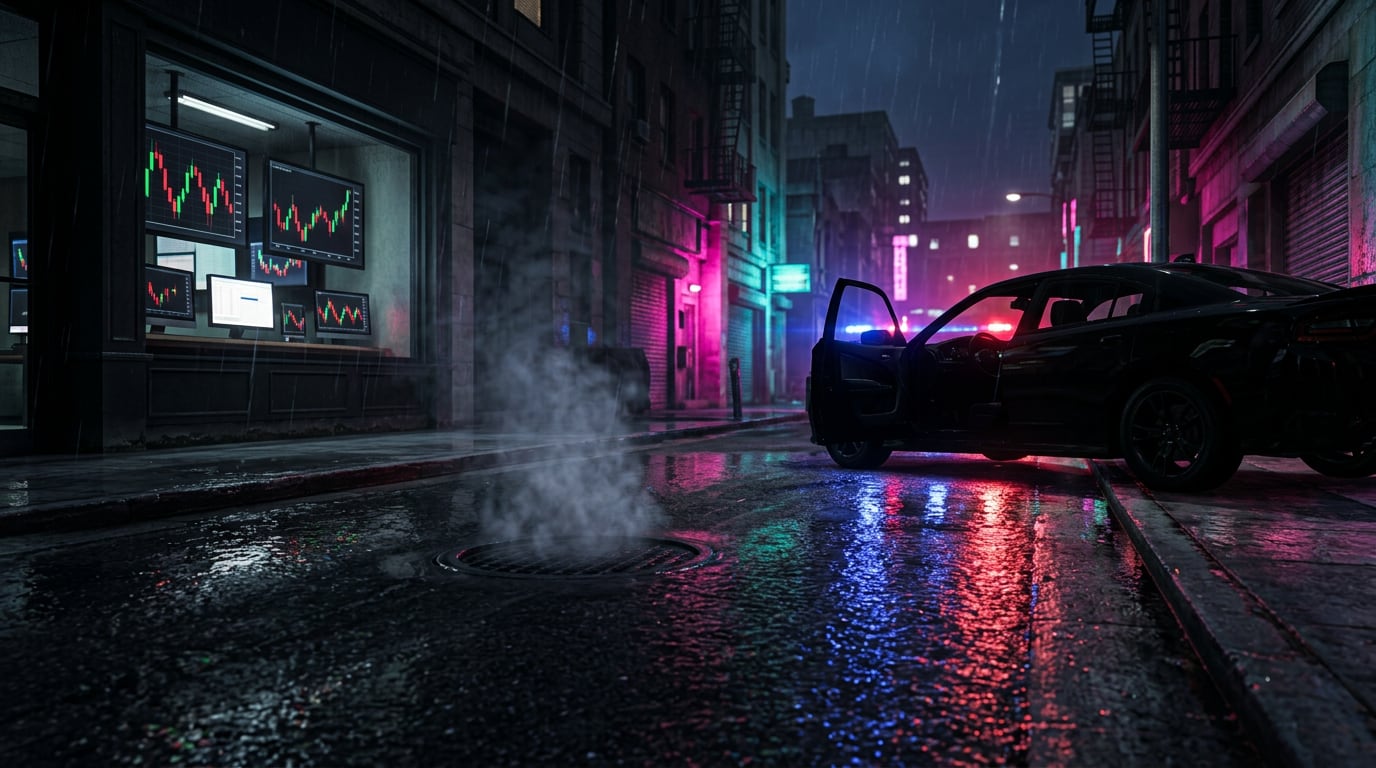
CT Chaos
Rugs, liquidations and group chats that should have stayed private.
Meme Culture
Launch parties, last trades and the trenches themselves.
- Template mode: choose a mission, cast your character, adjust the action and the lines.
- Custom mode: describe any scene you want. Both modes feed the same scene pipeline.
- Six camera presets, three aspect ratios and a credit estimate before you generate.
Behind the scenes
What happens when you press generate
Missions and custom scenes travel the same pipeline, independent of which video model renders them.
- 1Your request arrives from a mission or a custom prompt.
- 2Selected characters and available credits are validated.
- 3The request is converted into structured scene instructions.
- 4Your character’s reference art and appearance brief are attached for consistency.
- 5The job is sent to the configured generation provider.
- 6Progress is tracked from queued to processing.
- 7Failures are caught, refunded and can be retried.
- 8The finished video is saved to your library.
- 9You preview, download or publish it.
Release status
What works today
VICEFRAME ships in phases. Nothing below is presented as live unless it is.
Phase 1 · Visual foundation and navigation
WorkingBrand identity, house cast, public site, creator workspace and every primary route.
Phase 2 · Character Studio
DemoReal-time 3D studio on a jointed, animated stand-in rig: shape sliders, modular parts, AI editing and version history all drive real geometry. The rig manifest, blend-shape map and slot registry are ready for production GLB bodies, clothing and animations; none are registered yet.
Phase 3 · AI video generation
Not connectedNo video provider is connected, so the studio is browsable but nothing can be submitted, simulated or charged. Add HF_API_KEY_ID and HF_API_KEY_SECRET to generate with Higgsfield.
Phase 4 · Accounts, saved work and publishing
Not connectedSupabase is not connected. The schema and row-level security rules are prepared; pages show sample content.
Phase 4 · Credits and billing
Not connectedReserve, settle and refund logic is in place with placeholder rates. No payment integration yet.
Phase 5 · Solana wallet, token launch and $VF
Not connectedWallet connection works and the launch workflow, Pump.fun transaction builder and $VF verification are built. Launching stays off until it has been tested and these are connected: Wallet sign-in secret; Solana RPC endpoint; Database for launch records; Public storage for token artwork and metadata.